
Photography tools
Photography tools: free and premium
Calculators, planning tools and business utilities for photographers.
- Your settings right, even when it's rushed
- Professional documents that look the part
- Better prepared for every shoot
30 days premium free · No credit card required
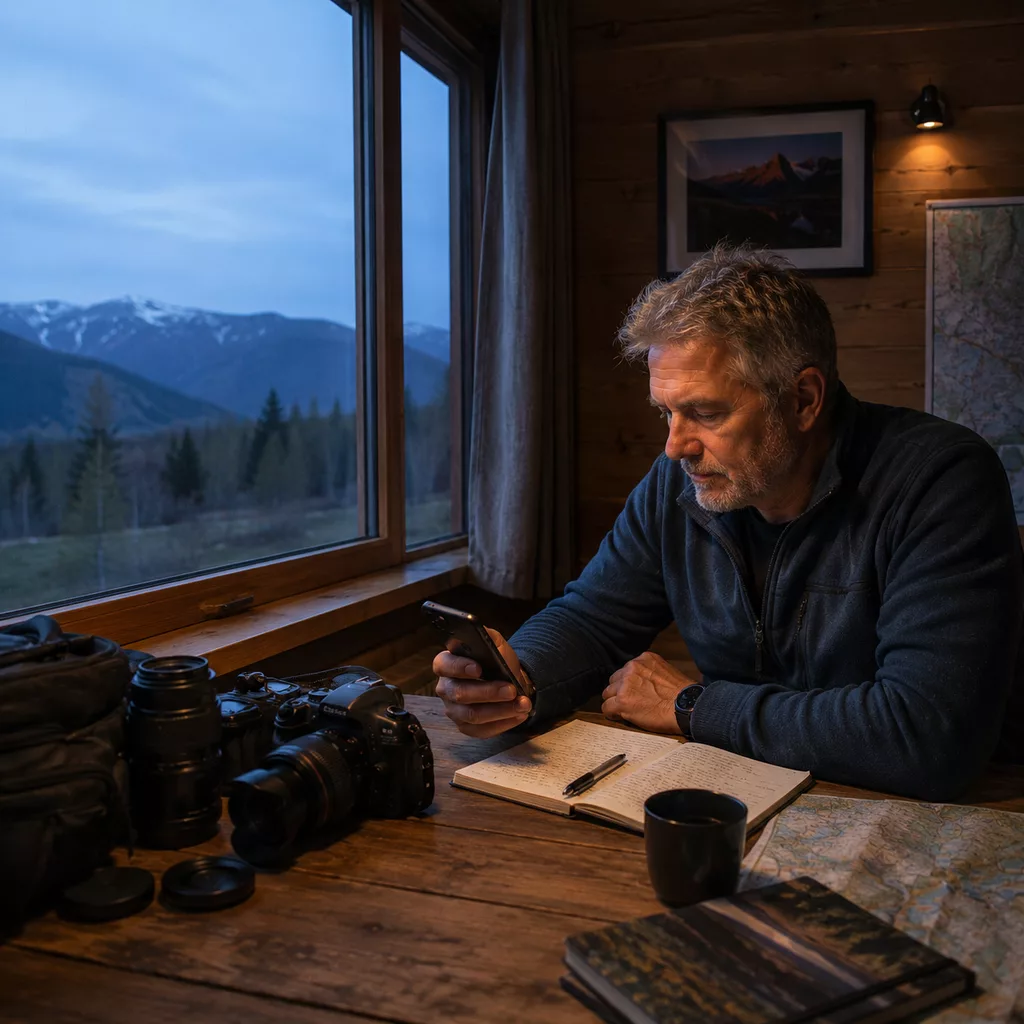
48
tools free
12
premium tools
285+
photography terms
16.800+
photographers a month
30
days premium free
NEW: VAT Calculator for Photographers
- Which VAT rate applies to your shoot, photobook, workshop or licence? Calculate excl/incl with small business exemption.
Specialisations
Browse by specialisation
Pick your specialisation and instantly see which tools are relevant for you.
Portrait Photography
15 tools for light, depth of field and posing.
Family Photography
Plan, pose and capture sessions with your family.
Wedding Photography
Timeline, model release and golden hour for the big day.
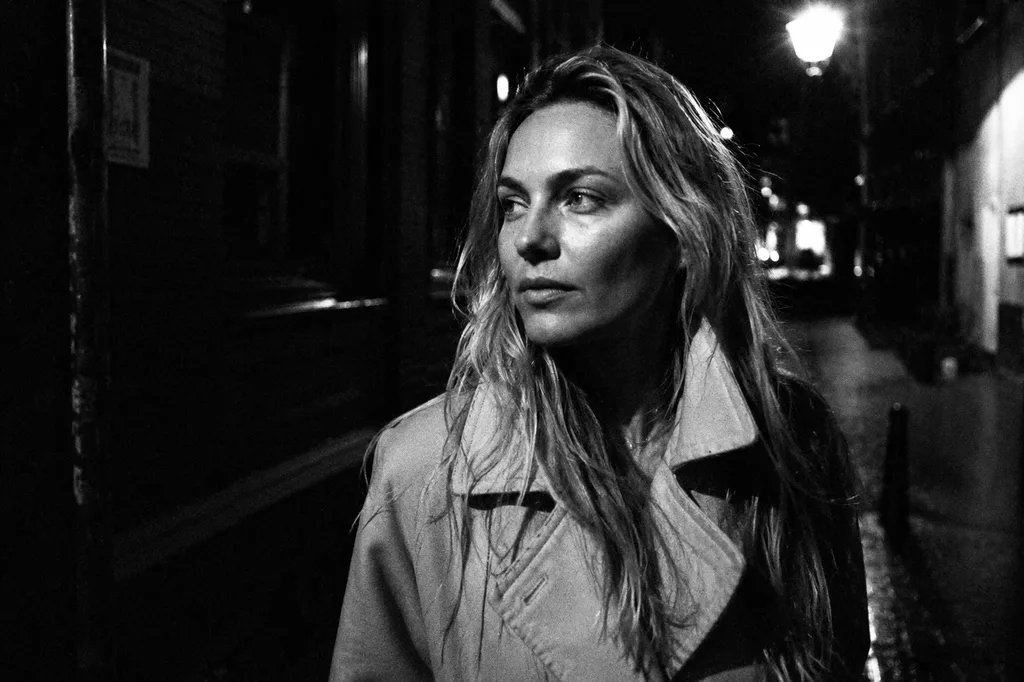
Street Photography
Daily prompts, focal length and street-photo vocabulary.
Landscape Photography
Golden hour, ND filters and hyperfocal distance for sharp vistas.
Beginners
Exposure triangle, focal length and photo thesaurus to ramp up fast.
Tools
Jump to a tool
48 free · 12 premium, free to try for 30 days.
Calculate your exact shutter speed with any ND filter, from ND2 to ND1000
Calculate how much is in focus from sensor size, focal length and aperture
See exactly how aperture, shutter speed and ISO interact, interactive and free
Find the equivalent focal length on any sensor: full frame, APS-C, MFT and more
Calculate the correct flash power at any distance, for speedlights and strobes
Read camera, lens, settings, histogram and colour palette directly from your photo
Estimate light intensity via your screen, useful as a quick reference on location
Visualise how 1000K to 12000K affects your photo
Convert your photo to black & white with presets and channel mixing
Sunrise, sunset, golden hour and blue hour times for your exact location and date.
Find photogenic spots: 264 curated locations with region, type and best time to photograph.
See where the sun, moon and Milky Way are on the map for any date and time. Plan your composition, light and shadows in advance.
See what 35mm, 50mm, 85mm and other focal lengths do to your composition
Chance of ground fog at sunrise, by location and day
All upcoming solar eclipses, lunar eclipses and notable meteor shower nights visible from the Netherlands and Belgium, with times and a link to the map.
Compare field of view across sensors and focal lengths to pick the right lens
Describe your shooting situation, get recommended camera settings back
When does the heather peak, where does it look best, and how do you photograph it. With bloom phase, locations and a golden-hour link.
How many photos fit on your SD or CFexpress card? Pick megapixels, format and card size.
Find your model's colour type and the shades that flatter them most
Plan your photo route on the map: stops, focal lengths, golden hour, viewpoints nearby. Premium: save routes.
Create a diptych or triptych from 2 or 3 photos and download as PNG
Workshops, masterclasses, photowalks and fairs in the Netherlands and Belgium.
Upload your Instagram data export and see at a glance who isn't following you back, who you aren't following back, and who's mutual.
Generate a legally sound model release for photographers, free PDF download
Compress and convert photos in your browser, or scan a website URL and fix oversized images.
Create social media images in the perfect format for Instagram, LinkedIn and more
A customisable checklist for every shoot type, never forget a lens or accessory
Calculate a fair rate for your assignment, including travel, equipment and VAT
Check your photography website for image SEO and loading speed issues
Create a professional call sheet with participants, schedule, looks and location details
Which VAT rate applies to your shoot, photobook, workshop or licence? Calculate excl/incl with small business exemption.
Build a shot list for your shoot and export as PDF
National, provincial and municipal grants and funds for photographers in one place
Add a text or logo watermark to your photos, batch and presets in premium
Create a professional guide with everything your client needs to know before the shoot
Send your model a professional shoot preparation: outfit advice, location and more
Save your best shooting locations with notes, ratings and photos
Write your personal artist statement with AI, professional and in your own voice
Gather and structure what you need for a grant or fund application
Structure the narrative project plan for your photography project
Log business trips and export for your tax return
Calculate maximum print size at 72, 180, 240 or 300 dpi
Photography terms explained the way you actually use them
Spin a random photography practice assignment for your next shoot
Upload a test shot at f/16 and instantly see how much dust sits on your sensor, with advice on whether it needs cleaning.
Try your photo in any aspect ratio and calculate the pixels needed per print size and dpi.
25 proven poses for portrait, standing, seated, lying and couples
A new street photography challenge for every day of the year, free and shareable
See how your photo looks to people with colour blindness, or how your edit reads to viewers with normal colour vision.
Lay composition guides over your photo: rule of thirds, golden ratio, diagonals and more.
Sketch your lighting setup on a grid and see the effect on your subject.
All keyboard shortcuts for Lightroom, Photoshop, Capture One and more in one place
Emulates film simulations, picture styles and camera looks in your browser
Softbox, octabox, beauty dish, strip: which light modifier to use and when
Find out what you stand for as a photographer. Pick eight values, rank three, one compass.
Guided meditation without a camera. Pick your genre and location, close your eyes, listen.
Make your limiting beliefs ridiculous with pitch, speed and volume
17 Lightroom and Capture One presets based on the style of great photographers. Ready to import.
Upload a photo, extract dominant colours and see how temperature, tint, saturation and hue affect your palette.
Tips & blog
Recent tips
Photo locations
Picks of the week
Three photo locations in the Netherlands and Belgium worth visiting.
FAQ
Frequently asked questions
Are all tools free?
Yes, almost all of them. 48 of the tools are fully free and work directly without an account. For 12 premium tools (such as the shoot checklist, location log and AI tools) you need an account from €2.99/month.
Do I need an account?
Not for the free tools. For premium tools and saving your work, you create a free account with a 30-day trial included.
I'm just starting with photography, where do I begin?
Start with Photography for Beginners: six core tools (exposure triangle, depth of field, focal length, camera settings, photo thesaurus and daily street prompts) with calm explanation per concept. No prior knowledge required.
Do the tools work on my smartphone?
Yes. The tools work just as well on smartphone and tablet as on a laptop, handy during a shoot.
Which exposure tools are available?
Exposure triangle, ND filter calculator, depth of field calculator, flash calculator and light meter. All of them help you nail the right exposure quickly.
How does the depth of field calculator work?
Enter your camera, focal length, aperture and focus distance. You instantly get front and back depth of field, total DOF and hyperfocal distance.
Can I save my photo shoot locations?
Yes, the location log (premium tool) lets you save GPS coordinates, notes and photos per location so you can always find your favourite spot.
Who built these tools?
Michiel Heijmans, a portrait and street photographer from the Netherlands. Every calculator and planner is based on what he uses himself during shoots.
Do the tools work offline?
Most tools run entirely in your browser and need nothing extra after the first load. Only tools with maps or weather data (such as the golden hour tool) require an internet connection.

Michiel Heijmans
Portrait and street photographer from the Netherlands. He built these tools because he needed them himself: calculators and planners that work during a shoot, without fuss.
About Michiel →Michiel Heijmans Apps is a collection of free and premium photography tools for every photographer. From exposure triangle and depth of field calculator to golden hour planner and ND filter calculator. All tools work directly in your browser, including on your smartphone, without installation.